How to move from another character app or game table app
The short answerBy hand: copy your character into the Builder with New character, and write your homebrew in the homebrew editor with New homebrew…. Or save or print your character from the other app as a PDF, or take photos of it, and give it to your own chat app, such as Claude or ChatGPT, connected to Archivist: it makes the character for you. Homebrew comes in the same way, from a PDF, a link, pasted text or your notes. A file saved from Archivist comes in exactly as it was, with Import a sheet or Import homebrew.
- For players and DMs
- 11 short steps
- Updated 19 November 2026, for Archivist 1.7.0
Any app that can print, save a PDF or show its sheet on screen works.
By hand, in Archivist
- For a character: on the Characters page, press New character.
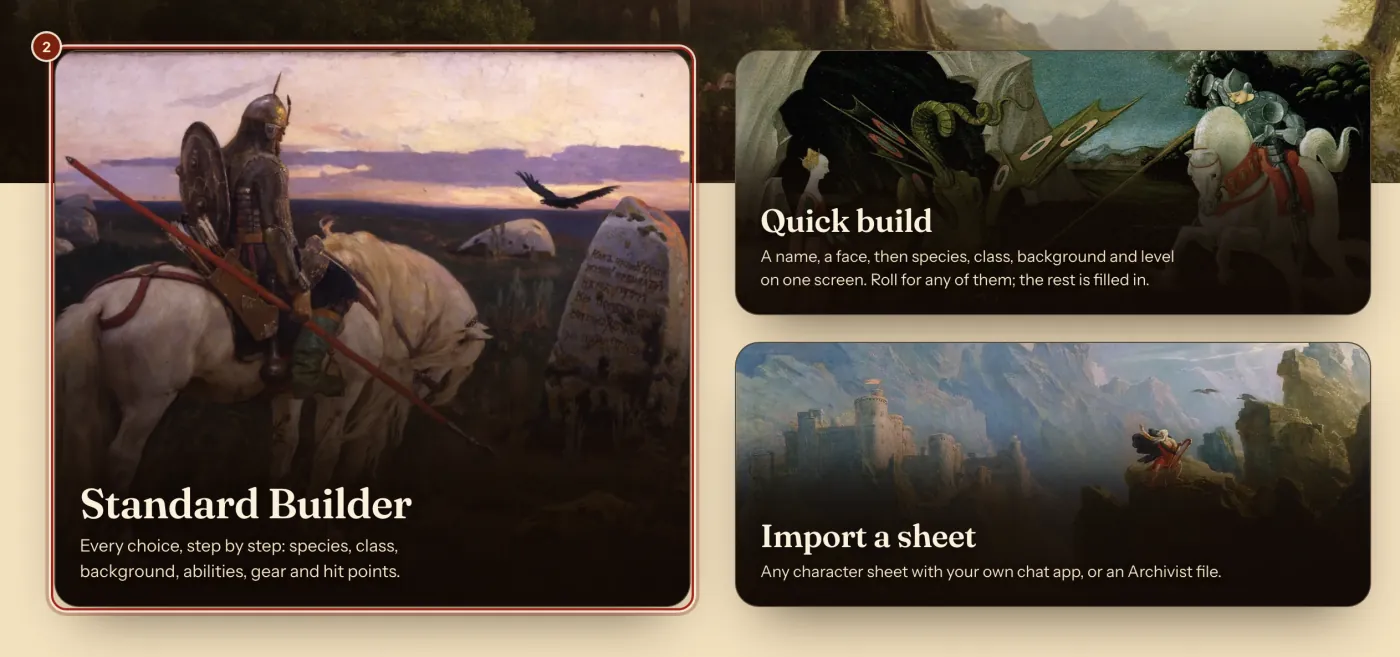
- Press Standard Builder and copy your sheet in step by step, or press Quick build.
Make a character walks every step of the Builder, and Quick build makes a character in a few presses.
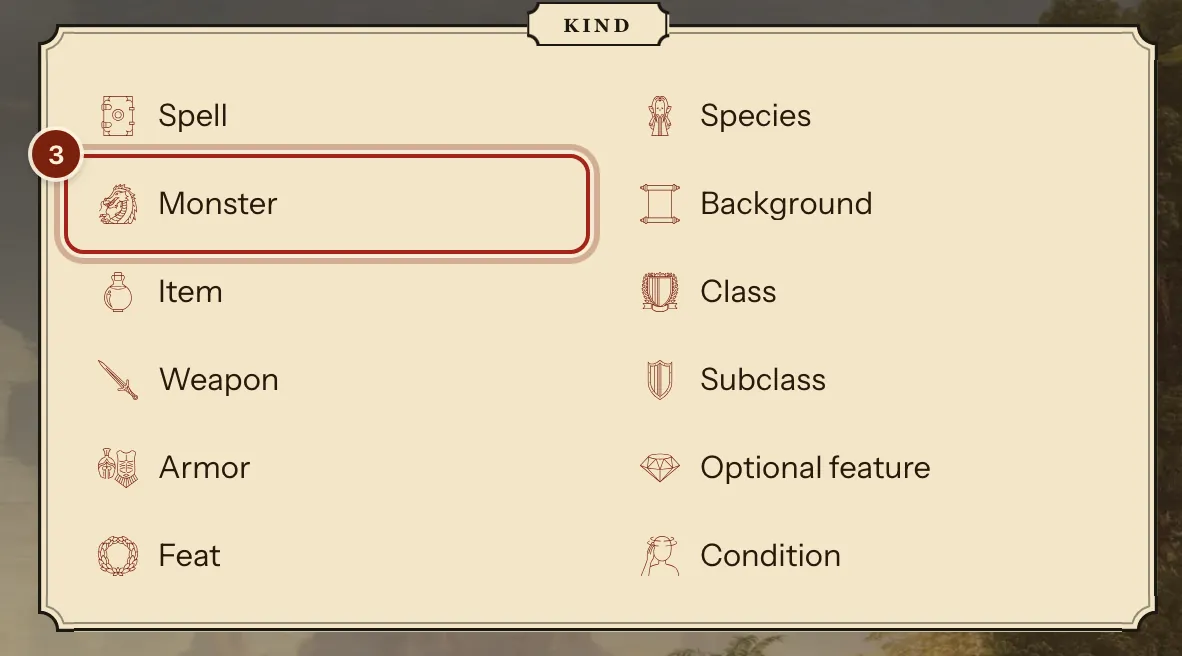
- For homebrew: press Compendium, then the ⋯ beside Homebrew in the Compendiums list, then New homebrew… and the kind, such as Monster. Write its lines in the editor and press Create.
Make homebrew from scratch walks the editor, and the Compendium format guide explains every line.
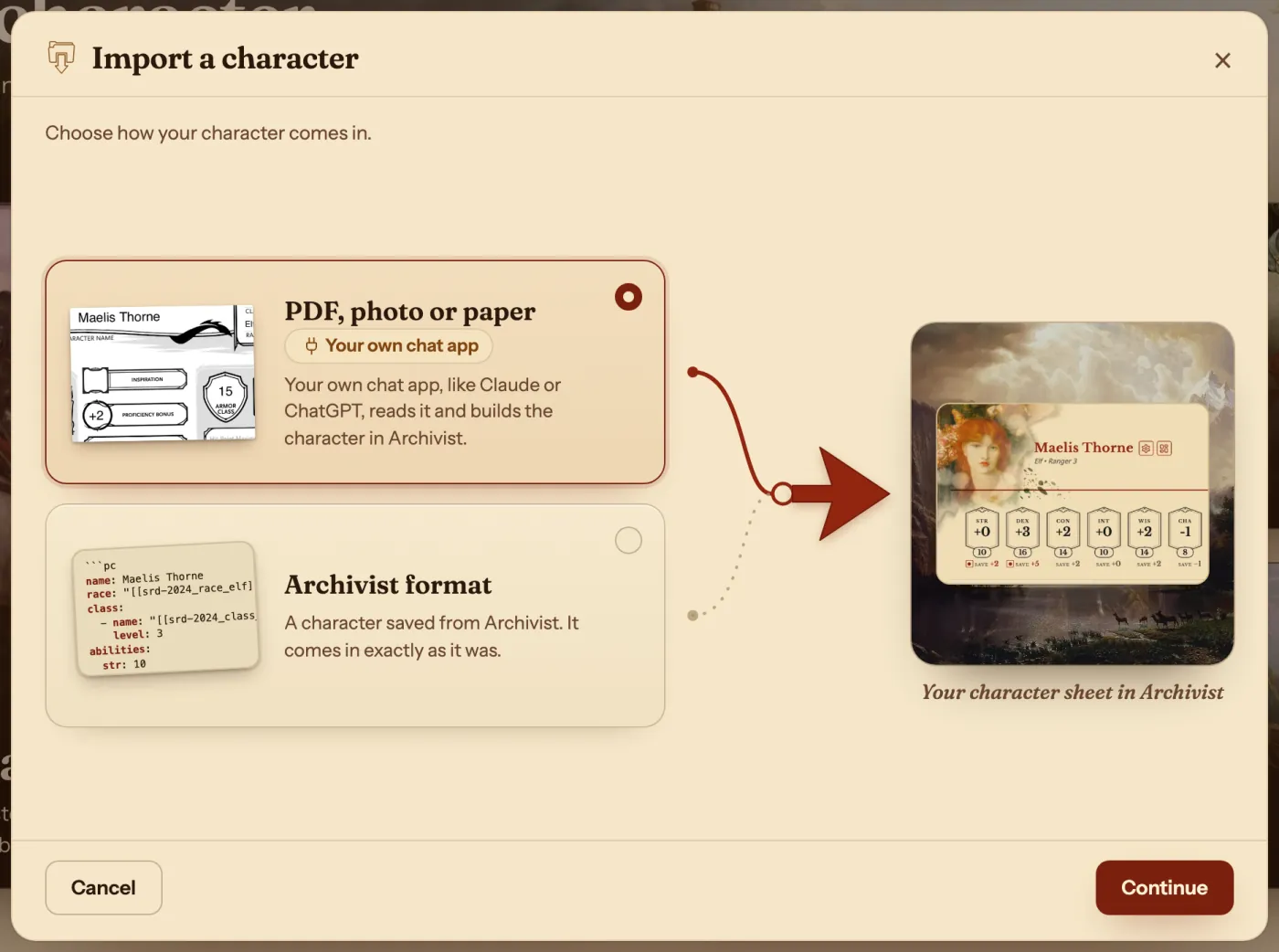
With your own chat app: bring a character
- In the other app, save or print the character sheet as a PDF. If it has no PDF, take a screenshot or a photo of each page, or copy the sheet's text.
- Connect your chat app to Archivist once, if you have not: see Connect your own chat app.
- Give your chat app what you saved, and paste:Prompt
Make this character in Archivist from the sheet I gave you.
It asks you what the sheet leaves open, then you check the character and make the last picks in the Builder. Import a character from a PDF or a photo shows each step.
With your own chat app: bring your homebrew
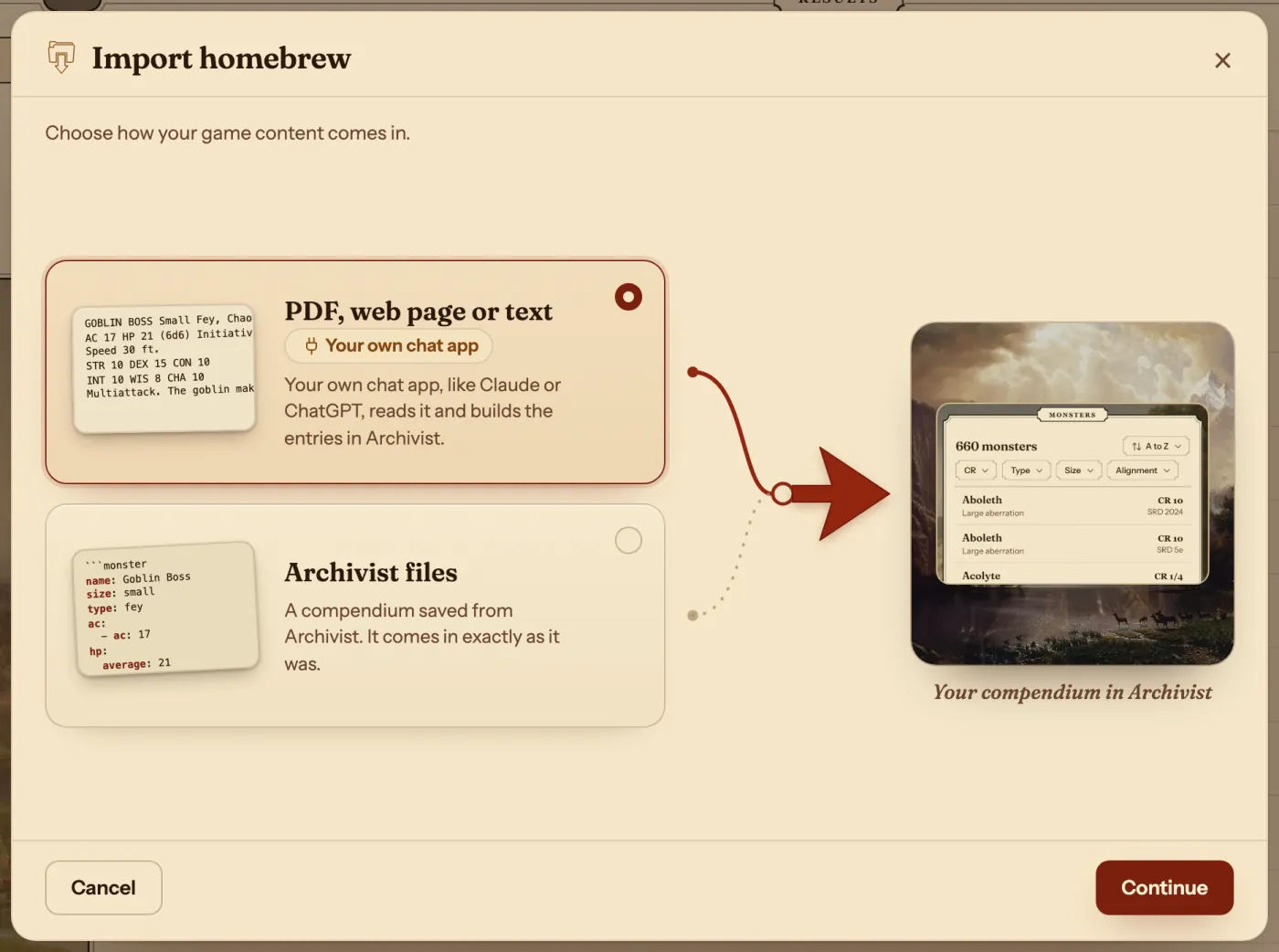
- Give your chat app the homebrew: a PDF, pictures of its pages, a web page's address, or text copied from a page or your notes.
- Paste this, then answer what it asks, such as a number the text leaves open:Prompt
Add the monsters, spells and items in this text to a compendium in Archivist:

(paste the text here)
Your characters and the Builder use your homebrew like any other entry. Bring in homebrew shows each step.
Bring an Archivist file
- For a character: New character, Import a sheet, then Archivist format and Continue. Drop the file in and press Import.
- For a compendium: Compendium, Import homebrew, then Archivist files and Continue. Drop the file in: the window says what it found. Press Import.
- Either comes in exactly as it was saved. A file dropped on the Characters or Compendium page opens the same window.
Every way in
What each way takes, and where to start it.
| What you have | Where to start | What comes in |
|---|---|---|
| A character sheet as a PDF, photos or text | Your own chat app, connected to Archivist | A character, ready to check. |
| A D&D Beyond character | Its PDF, given to your chat app: see Bring in a D&D Beyond character | A character, ready to check. |
| A homebrew book or document | Your own chat app: see Bring a whole homebrew book into Archivist | Monsters, spells, items, classes and more, in a compendium of yours. |
| Homebrew on a web page | Your own chat app, with the page's text | The entries on that page. |
| An Archivist file or zip | Import a sheet, Archivist format for a character; Import homebrew, Archivist files for a compendium | Characters or compendiums, exactly as saved. |
Questions
Can I bring my whole party?
Each player brings their own character, and the DM brings the homebrew. Then the DM makes a campaign and sends the invite link: see Run a campaign.
Does the other app's character change?
No. You bring a copy, and the original stays where it is.
Do I have to rebuild my character by hand?
No. Your chat app makes it for you; you check it and make the last picks in the Builder.
What is free?
Unlimited characters and campaigns, dice sets, themes, the advanced note editor, homebrew import, and a highly dynamic character sheet, all free.
Keep going
- Import a character from a PDF or a photo of your sheetGive your chat app a PDF, photos or the text of any sheet, and it makes the character.
- Connect your own chat app to ArchivistAdd one address in your chat app, sign in, and it can read and change your characters.
- Bring a whole homebrew book or supplement into ArchivistGive your chat app the book, and it brings it in batch by batch.
- Bring in a D&D Beyond characterSave it as a PDF on D&D Beyond, then give the PDF to your own chat app.