How to make a homebrew monster
The short answerWrite your monster in the homebrew editor, which draws its stat block in its Preview as you type. Open it with ⋯ beside Homebrew on the Compendium page, then New homebrew… and Monster, and paste the lines below. You get a full stat block with its Challenge, XP and rollable attacks, ready for your campaign page.
- For DMs
- 8 short steps
- Updated 7 November 2026, for Archivist 1.7.0
This page's example is the Brine Ghast from the Drowned Coast, Archivist's own sample homebrew.
Write it in the homebrew editor
- In the top bar, press Compendium.
- In the Compendiums list on the left, press the ⋯ beside Homebrew. On a computer it shows when you point at the row; on a phone or a tablet, press Compendiums first.
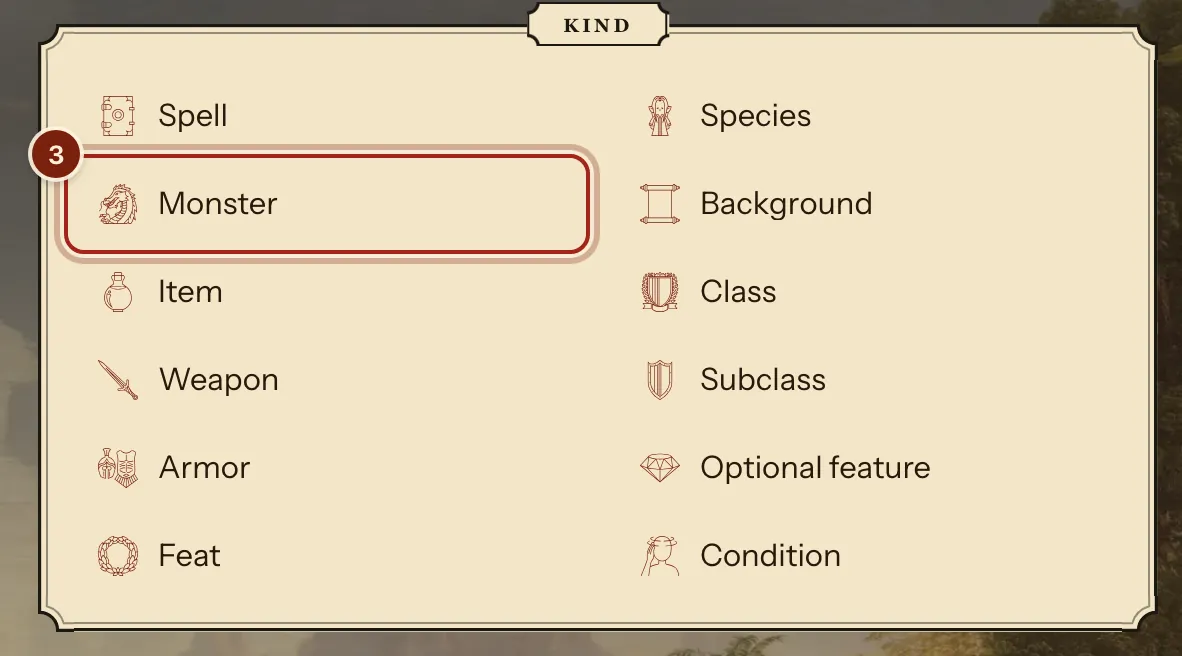
- Press New homebrew…, then Monster.
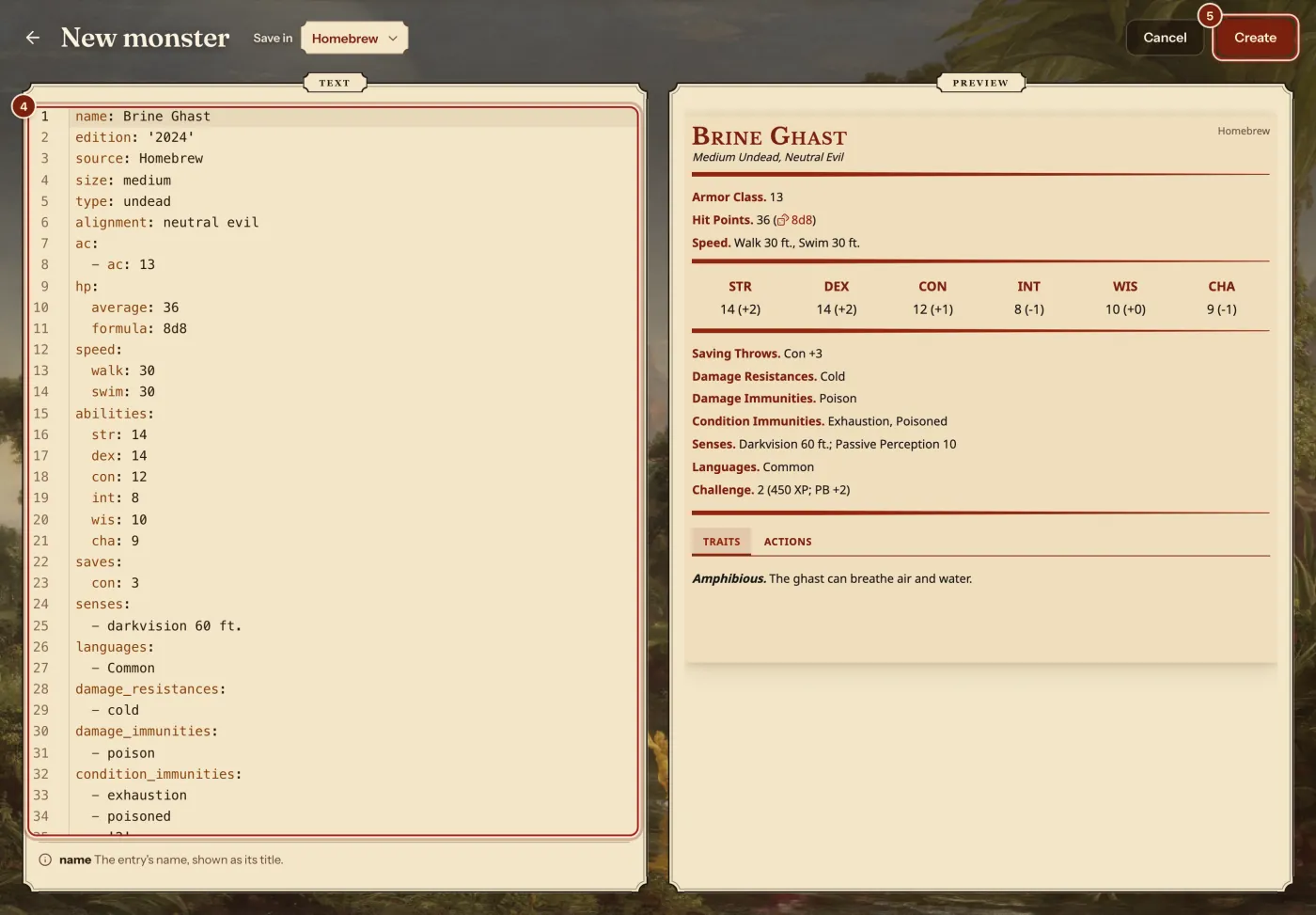
- In the Text box, select all of the starter text (Ctrl+A, or Cmd+A on a Mac), then paste these lines. Change the words to make it yours:The Brine Ghast
name: Brine Ghast edition: '2024' source: Homebrew size: medium type: undead alignment: neutral evil ac: - ac: 13 hp: average: 36 formula: 8d8 speed: walk: 30 swim: 30 abilities: str: 14 dex: 14 con: 12 int: 8 wis: 10 cha: 9 saves: con: 3 senses: - darkvision 60 ft. languages: - Common damage_resistances: - cold damage_immunities: - poison condition_immunities: - exhaustion - poisoned cr: '2' passive_perception: 10 traits: - name: Amphibious entries: - The ghast can breathe air and water. actions: - name: Multiattack entries: - The ghast makes two Claw attacks. - name: Claw entries: - 'Melee Attack Roll: `atk:STR+PB`, reach 5 ft. Hit: `dmg:1d8+STR` Slashing damage plus `dmg:1d6` Cold damage.' attacks: - name: Claw attack type: melee bonus: 4 damage: 1d8+2 damage_type: slashing range: reach: 5 - Keep Homebrew beside Save in, and press Create. Your new entry opens in the Compendium.
The Preview beside the text draws the monster as you type. A line that needs fixing is marked where it is, with what to change under it. On a phone, Text and Preview are two tabs. Keep the spaces at the start of each line.
Roll from it
- On its stat block, press Actions.
- Press a to-hit or a damage roll to roll it.
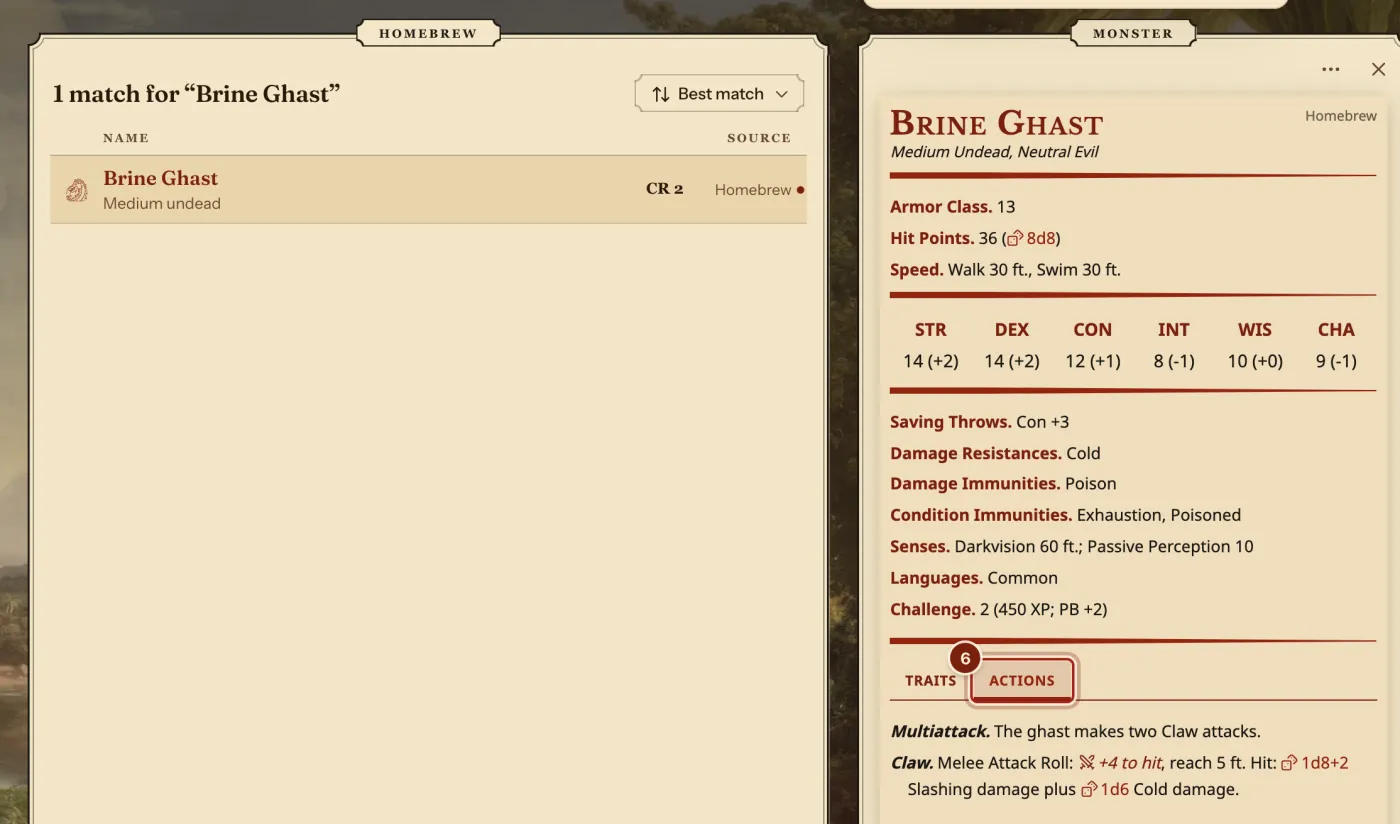
atk:STR+PB and dmg:1d8+STR.- To have it at the table, open your campaign's ⋯ menu and choose Arrange, press Add and type its name. Use the DM's dashboard shows each step.
The lines you will use most in a monster
The Compendium format guide lists every kind of entry.
| Line | What it does | What you can write |
|---|---|---|
size, type, alignment | The line under its name. | medium, undead, neutral evil |
ac, hp | Armor Class and Hit Points, with a rollable formula. | - ac: 13, average: 36, formula: 8d8 |
speed | Walk, swim, fly, climb, burrow. | walk: 30, swim: 30 |
abilities, saves | The six scores and any save bonuses. | str: 14, con: 3 |
senses, languages | Their lines on the block. | - darkvision 60 ft., - Common |
damage_resistances, damage_immunities, condition_immunities | Their lines on the block. | - cold, - poison, - poisoned |
cr | Challenge, XP and Proficiency Bonus. | cr: '2' |
traits, actions | The tabs on the block. Each has a name and entries. | atk:STR+PB and dmg:1d8+STR roll when pressed |
Questions
Create does nothing. What now?
A line that needs fixing is marked where it is, with the words under it, such as "concentration takes true or false." Pressing Create or Save takes you to the first one. Fix it, and the mark goes. Keep the spaces at the start of each line, and if a sentence has a colon in it, put the whole sentence in double quotes.
How do my players get my monster?
On the Compendium page, press ⋯ beside your compendium in the Compendiums list, then Export, and send them the zip file. They press Import homebrew, then Archivist files and Continue, and drop it in. Share homebrew with your party shows each step.
Will I see it on my phone?
Yes. Your homebrew stays in sync on every device you sign in on, along with your characters and their portraits.
Keep going
- Use the DM's dashboard: the Party view and your own layoutThe Party tab shows everyone; Arrange moves and sizes the blocks.
- Run initiativeStart a fight, add the party and monsters, press Next turn.
- Share homebrew with your partyExport your compendium as a zip; they bring it in with Import homebrew.
- Compendium format guideHow a line works, the twelve kinds of entry, and the homebrew editor's help.
- Make a homebrew magic itemWrite it in the homebrew editor, then add it from your character's Inventory.