How to make a homebrew magic item
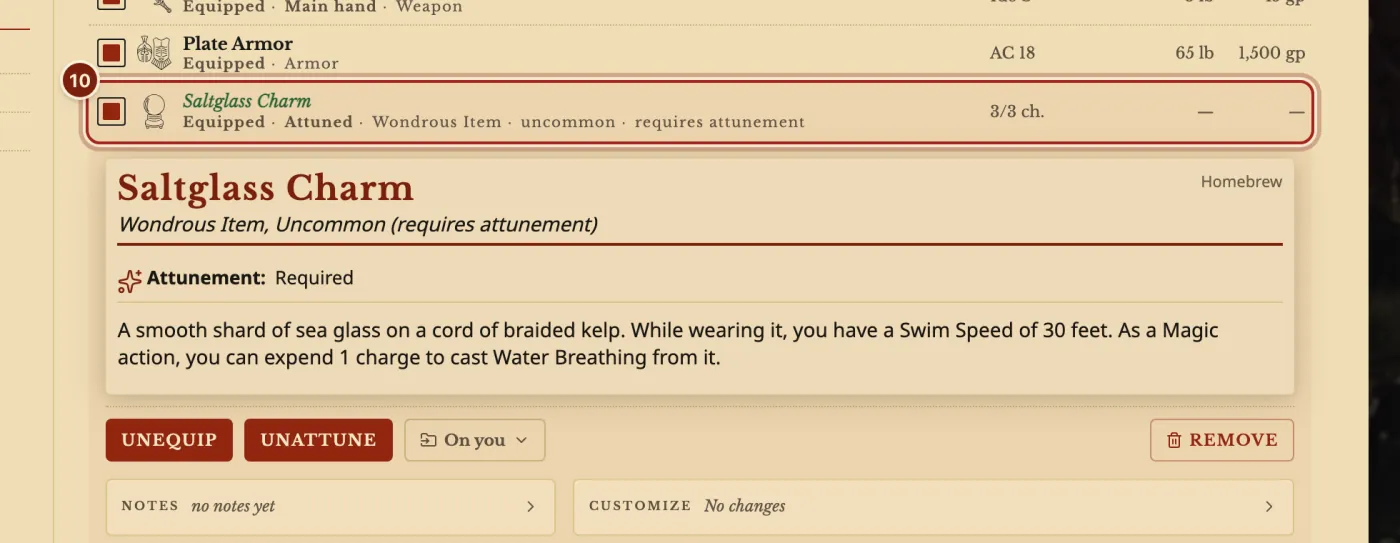
The short answerWrite your magic item in the homebrew editor, which draws it in its Preview as you type. Open it with ⋯ beside Homebrew on the Compendium page, then New homebrew… and Item, and paste the lines below. Then add it from your character's Inventory. The sheet tracks its charges and attunement, and its bonuses count once it is attuned.
- For players and DMs
- 10 short steps
- Updated 7 November 2026, for Archivist 1.7.0
This page's example is the Saltglass Charm from the Drowned Coast, Archivist's own sample homebrew.
Write it in the homebrew editor
- In the top bar, press Compendium.
- In the Compendiums list on the left, press the ⋯ beside Homebrew. On a computer it shows when you point at the row; on a phone or a tablet, press Compendiums first.
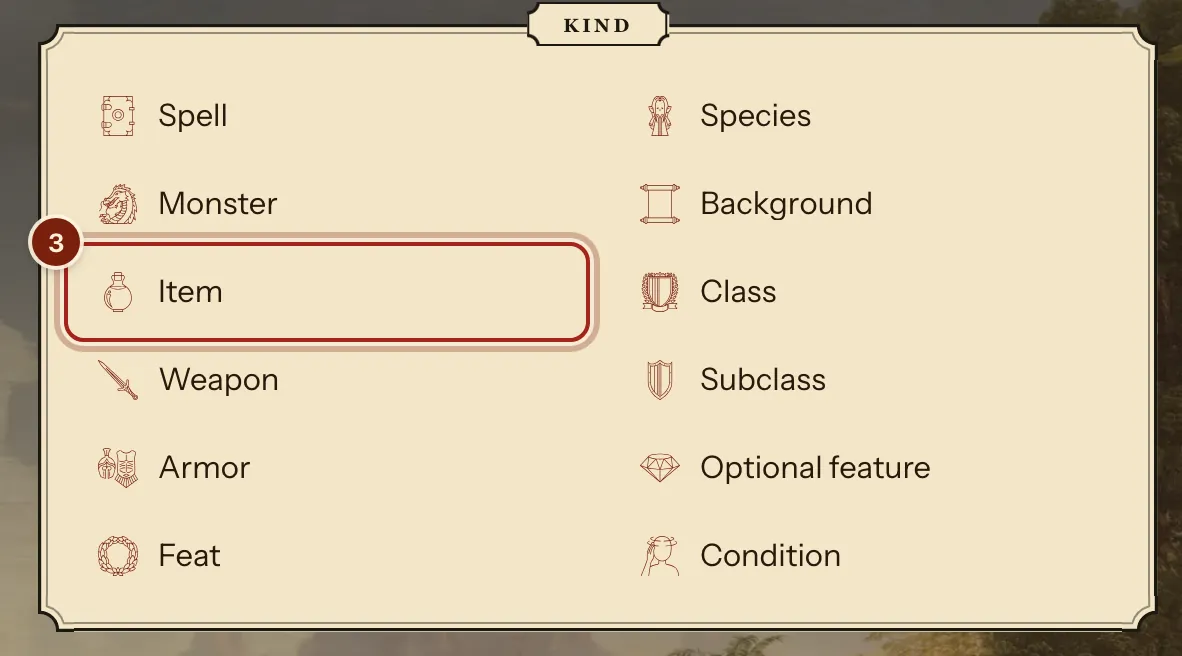
- Press New homebrew…, then Item.
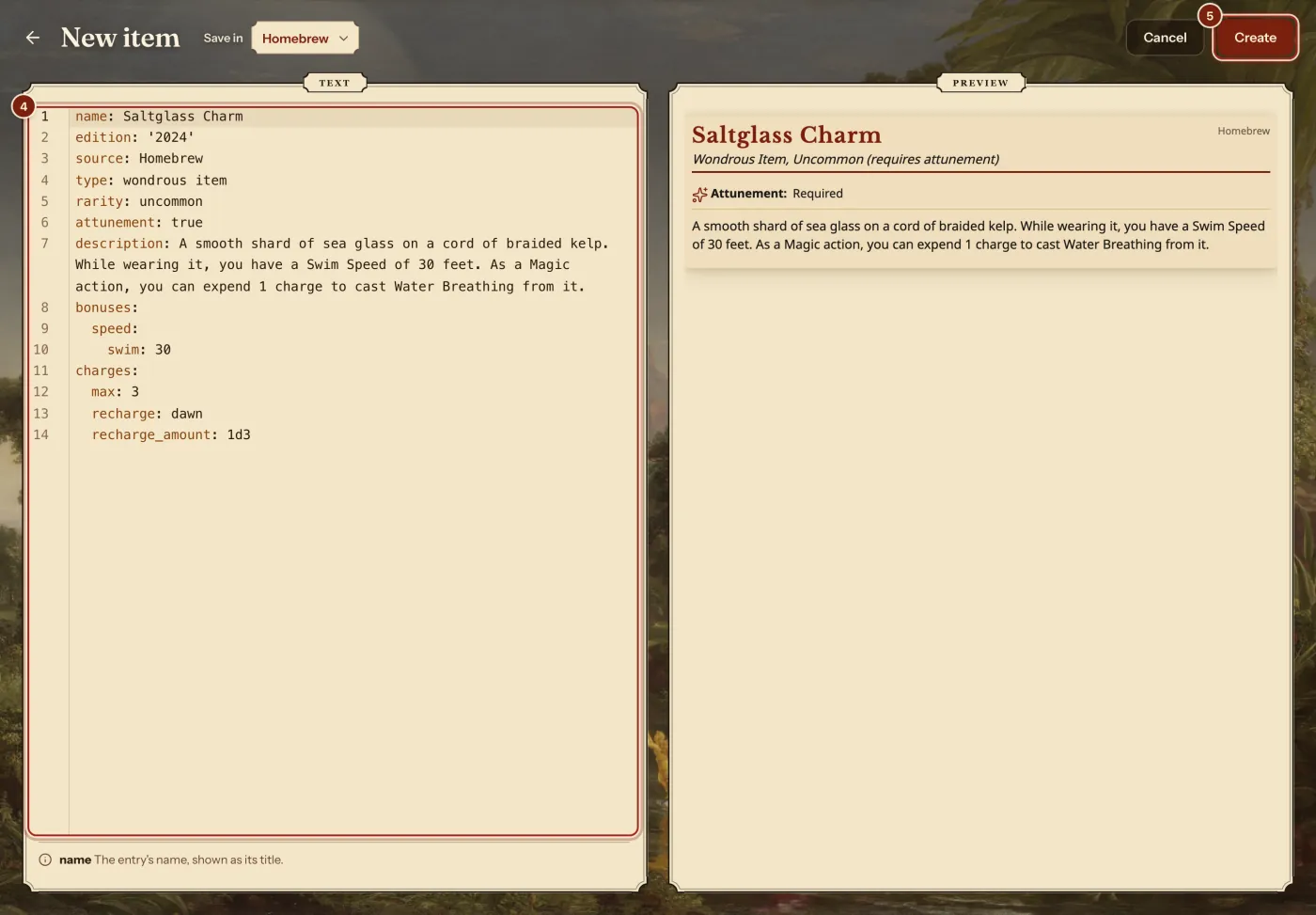
- In the Text box, select all of the starter text (Ctrl+A, or Cmd+A on a Mac), then paste these lines. Change the words to make it yours:The Saltglass Charm
name: Saltglass Charm edition: '2024' source: Homebrew type: wondrous item rarity: uncommon attunement: true description: A smooth shard of sea glass on a cord of braided kelp. While wearing it, you have a Swim Speed of 30 feet. As a Magic action, you can expend 1 charge to cast Water Breathing from it. bonuses: speed: swim: 30 charges: max: 3 recharge: dawn recharge_amount: 1d3 - Keep Homebrew beside Save in, and press Create. Your new entry opens in the Compendium.
The Preview beside the text draws the item as you type. A line that needs fixing is marked where it is, with what to change under it. On a phone, Text and Preview are two tabs. Keep the spaces at the start of each line.
Add it to a character
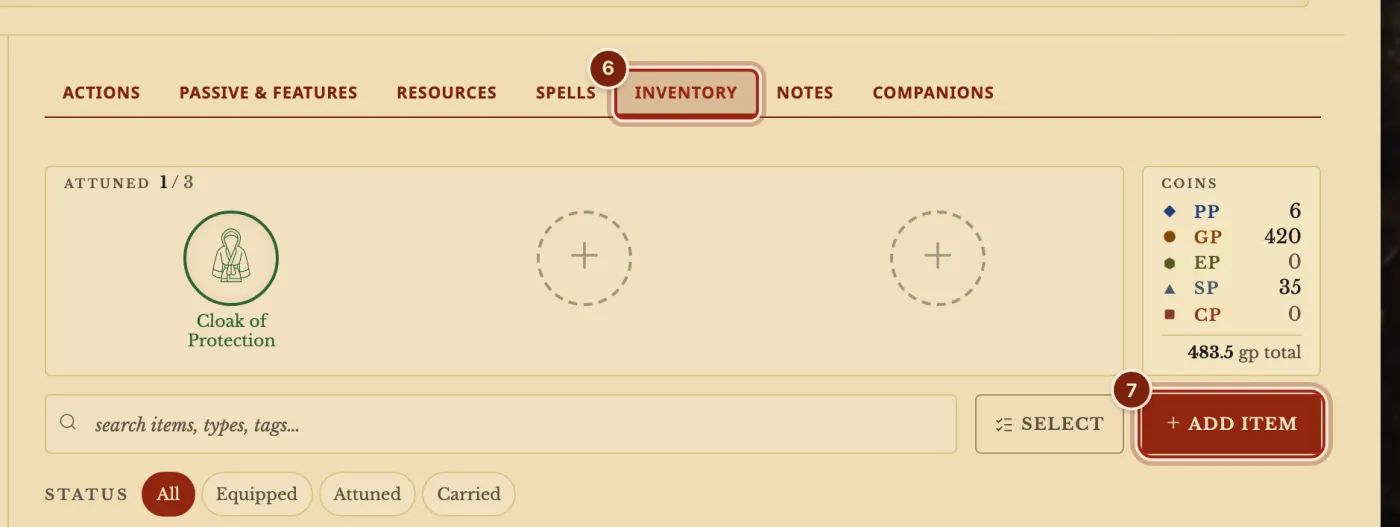
- On your character's sheet, press the Inventory tab.
- Press Add Item.
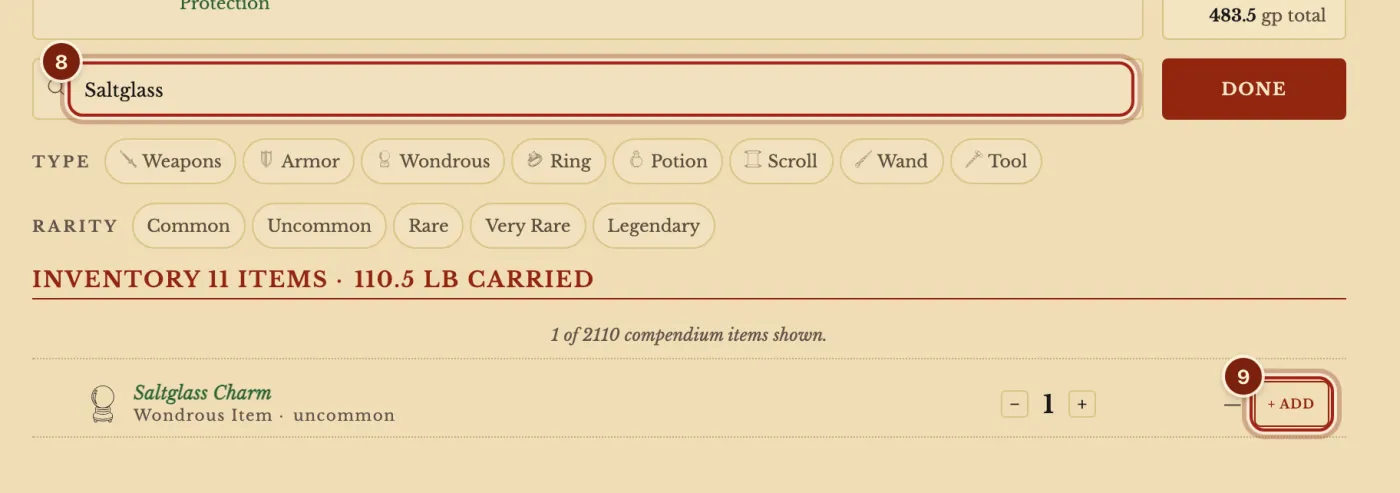
- In the search box, type your item's name.
- Press + Add on its row, then Done.
- Press your item's name in the Inventory, then press Attune.
The lines you will use most in a magic item
Add or remove these lines as your item needs them. The Compendium format guide lists every kind of entry.
| Line | What it does | What you can write |
|---|---|---|
type | The kind of item. A potion or a scroll is used up when used. | wondrous item, ring, wand, potion, scroll |
rarity | Colours the name and fills the rarity filter. | common, uncommon, rare, very rare, legendary |
attunement | Adds the Attune button. Bonuses count only while attuned. | attunement: true |
bonuses | Adds to Armor Class, saves, spell attack, spell save DC and speeds. | ac: 1, saving_throws: 1, then speed: and swim: 30 |
resist, immune | Damage it protects you from, shown under Defenses. | resist:, then - cold |
condition_immune | Conditions it protects you from. | condition_immune:, then - charmed |
charges | A counter on the item, and when it refills. | max: 3, recharge: dawn, recharge_amount: 1d3 |
base_item | Makes it a weapon or armor, with its attack row or Armor Class. | The link name of a weapon or armor |
Questions
Create does nothing. What now?
A line that needs fixing is marked where it is, with the words under it, such as "concentration takes true or false." Pressing Create or Save takes you to the first one. Fix it, and the mark goes. Keep the spaces at the start of each line, and if a sentence has a colon in it, put the whole sentence in double quotes.
Can a DM give my item to a player?
Yes. In a campaign, the DM chooses Give an item from the campaign page's ⋯ menu. Give items to players shows each step.
How do my players get my item?
On the Compendium page, press ⋯ beside your compendium in the Compendiums list, then Export, and send them the zip file. They press Import homebrew, then Archivist files and Continue, and drop it in. Share homebrew with your party shows each step.
Will I see it on my phone?
Yes. Your homebrew stays in sync on every device you sign in on, along with your characters and their portraits.
Keep going
- Give items to playersRight-click an item, Give to…; as DM, Give an item from the campaign page.
- Track inventory, bags and attunementAdd items, drag them into a bag, attune, and the sheet follows.
- Share homebrew with your partyExport your compendium as a zip; they bring it in with Import homebrew.
- Compendium format guideHow a line works, the twelve kinds of entry, and the homebrew editor's help.
- Make a homebrew spellWrite it in the homebrew editor, then prepare it and cast it from the sheet.