Shared dice: choose who sees each roll, the table, the DM or only you
When you play across screens, you want everyone to be able to see what everyone rolls. As the DM, you still want some rolls behind the screen.
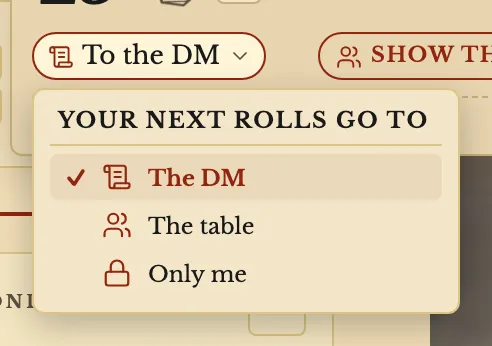
In a campaign, each roll says who saw it. Choose The table and the other players see your 3D dice land on the same number, with a card saying who rolled. Or send your rolls to The DM, or keep them Only me.
- For DMs and players
Choose who sees your rolls
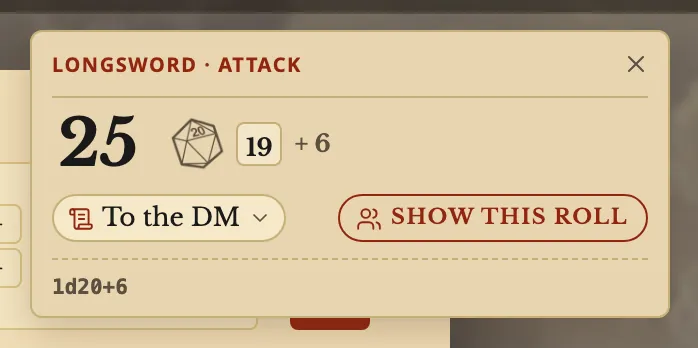
A player's rolls go to the DM until they choose otherwise. The chip on a roll's card sets where the next rolls go, and Show this roll sends that one roll to everyone.
As the DM, your own rolls stay with you until you choose The table, on a roll's chip or under Who sees my rolls as the DM in Settings.
What the other players see
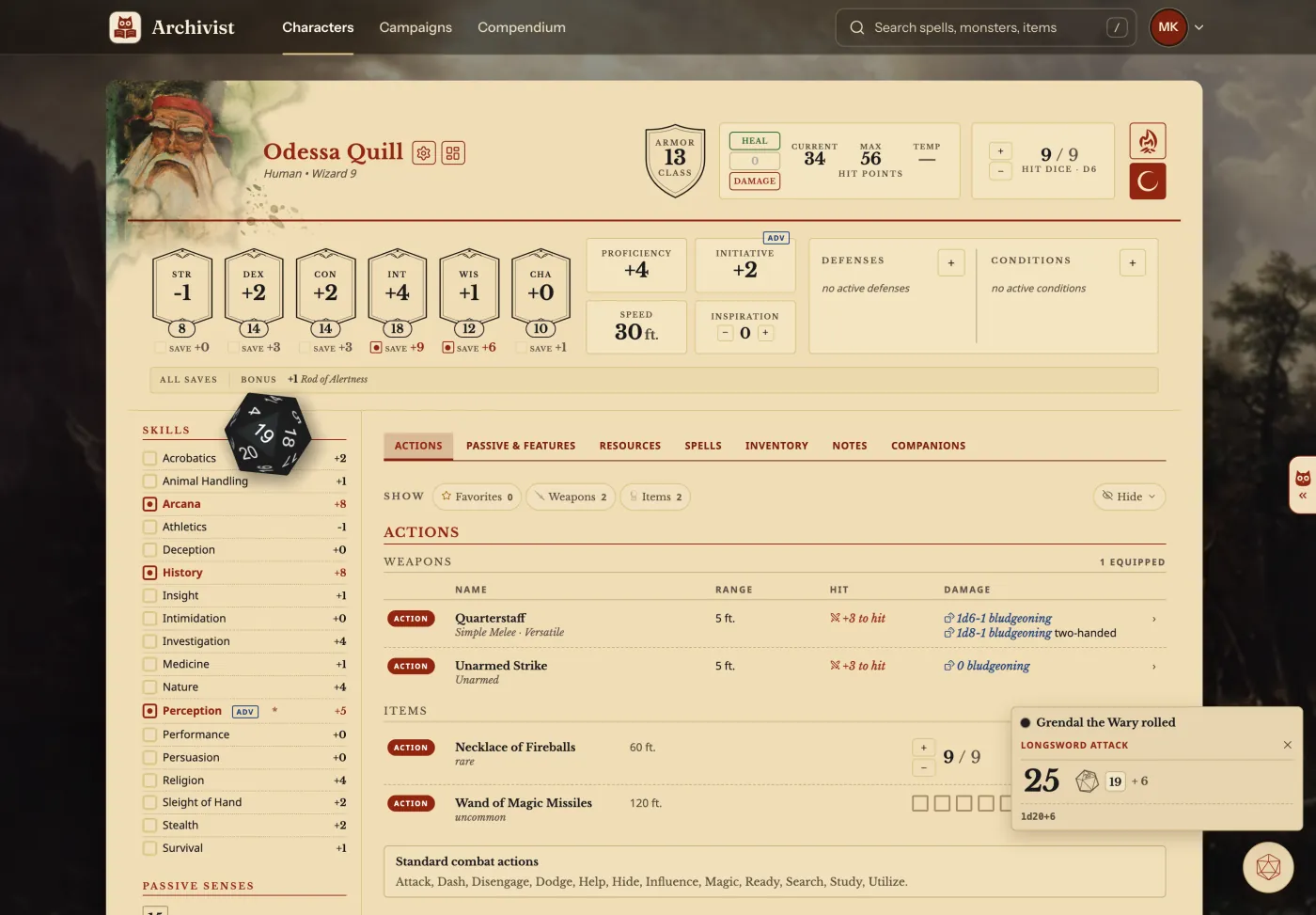
When a player rolls to the table, everyone with that campaign's sheet or page open sees the dice start together and land on the same number, in the dice that player chose. A card then says who rolled what.
A roll of more than 40 dice arrives as its card only, with the total and Every die. Each character can show other players' rolls as Dice and card, Quiet list or Hide, on the Dice tab of Appearance.
As the DM
A Rolls block on your dashboard lists your players' rolls as they come, including the ones sent only to you. Turn on Show players' dice in Settings to have their dice thrown on your screen too.
On your campaign's pages, Choose dice in the dice panel sets the dice your own rolls wear, so a creature can roll dice of its own. See Choose the dice for each roll as the DM.
Questions
Can I roll in secret as the DM?
Yes. A DM's own rolls stay with the DM until you choose The table.
Can players keep a roll to themselves?
Yes. Only me keeps it on their own screen.
Can I turn the 3D dice off?
Yes. Show 3D dice when you roll in Settings leaves only the result.
Keep going
- Step by step: Roll dice and build a custom rollClick a number to roll it; Option+click damage to build the roll.
- DM dashboard: every player's HP, AC and conditions on one pageEvery player's HP, AC and conditions on one page, which the DM arranges with notes, monsters and rolls.
- Initiative tracker: add monsters, set the order, step through turnsAdd monsters to a fight with your players, set each number, and step through the turns.
- Summons on the character sheet: casting the spell adds the creatureCasting a summoning spell adds the creature to your Companions tab, with its stat block and hit points.